
Paper planner vs phone planner for students
Paper planner vs phone planner for students: which one helps you finish work on time, plus a simple hybrid that costs almost nothing to start.
Lucas Bernard4 min read

Verdict: pick the one you will open every day. Paper is slower but harder to ignore. A phone is faster, with alarms, but it also has distractions. A mix works well for many students.
Which wins on
| Factor | Paper planner | Phone planner |
|---|---|---|
| Reminders | None, you must look | Alarms and alerts |
| Distraction | Low | High, other apps nearby |
| Cost | $ | Free to $ |
| Easy to change | Messy to rewrite | Easy |
| Shares with others | No | Yes |
| Always with you | If you pack it | Yes |
Pick paper if
- You forget tasks you do not see.
- You like to tick things off.
- You want a break from screens.
- You study with your phone away.
Writing by hand slows you down enough to think about the day. A weekly layout with space for each day is usually enough. Date it yourself so you can start any week.
Pick a phone planner if
- You need alarms for classes and deadlines.
- You share a timetable with a study group.
- You lose paper things.
- You want to move tasks around easily.
Turn off alerts from other apps while you work, or the planner becomes a source of distraction.

A simple hybrid
- Put classes, deadlines and exams in the phone calendar, with alerts.
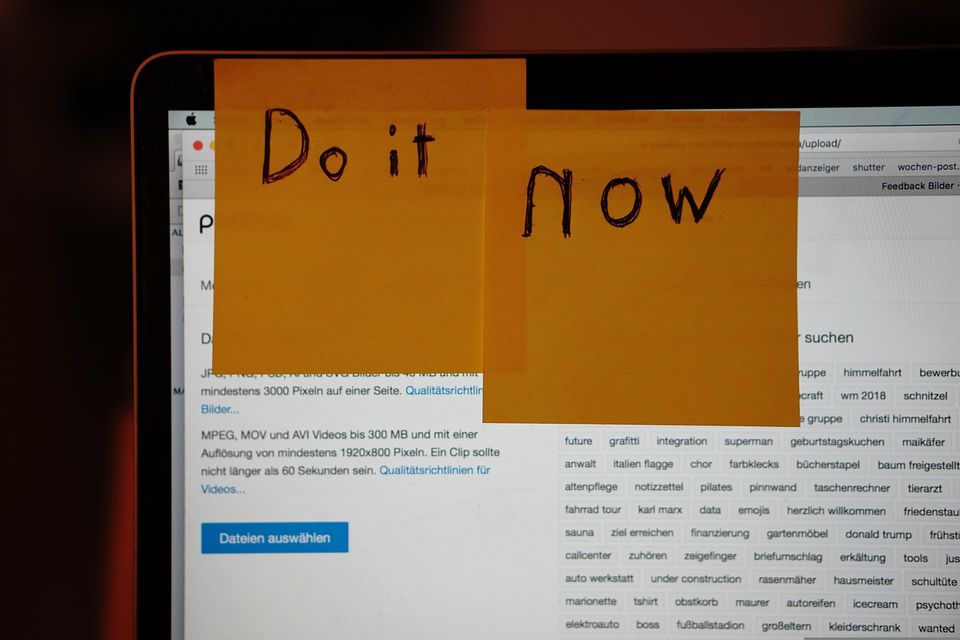
- Each morning, write three tasks on paper or a sticky note.
- Tick them off by evening.
This costs almost nothing and uses the strengths of each.
A worked example
Say you have four classes, two deadlines and a quiz. In the phone, you add each with a reminder one day before. On paper, you list the three things you must finish today, for example "read chapter 3, finish lab notes, email the lecturer". A short list is easier to finish than a long one.
Rule that matters most
Start small. A planner with every detail fails by week three. Write only what you must do, not everything you might do.
A short caution
If you often feel overwhelmed or cannot start work even with a plan, talk to a tutor, a counsellor or your college's study support. A planner helps with organising but cannot fix everything.
Where the answer flips
If you hate carrying extra things, go phone only. If your phone is your biggest distraction, go paper and leave the phone in a bag. Planning also helps your budget. The back to school shopping list shows when a planner is worth buying.
A weekly reset that takes ten minutes
Whichever you choose, add one habit: a ten minute weekly reset, on the same day each week.
- Look at next week's classes and deadlines.
- Pick the three biggest tasks and give each a day.
- Move anything left over from this week, or drop it.
- Check your budget and laundry day too, so life admin does not collide with an exam.
A weekly reset is what makes a planner work. Without it, a planner is just a place where old tasks go to sit. With it, even a very cheap notebook does the job.
When a planner does not help
A planner cannot make an unrealistic week possible. If you write ten tasks a day and finish two, the plan is the problem. Halve the list. If your week is always overloaded, talk to a tutor or an adviser about the workload. That is a useful thing to raise early in a term, not after a missed deadline.
Skip this term
- A pricey planner with sections you will not use.
- Three apps that do the same thing.
- Colour coding that takes longer than the task.
Quick questions
Is a paper planner better than a phone for students?
Not always. It helps if you get distracted by your phone, but it has no alarms.
What should I write in a planner?
Classes, deadlines, exams and three tasks for today. Skip the rest.
Can I use both a planner and a calendar app?
Yes. Keep dates in the app and daily tasks on paper.
How do I keep using a planner?
Open it at the same time each day, like after breakfast. Keep it simple, and do not worry if you miss a day.
More to read
Keep reading

Backpack vs tote vs crossbody for campus
Which bag suits campus life: a backpack, a tote or a crossbody? A quick verdict, a comparison table and who each one is best for on a normal day.
Lucas Bernard2 min read

How to choose a laptop for college without overspending
How to choose a laptop for college without overspending: check course needs, memory, storage and battery, and know where to save and where not to.
Nour Haddadi5 min read

How to study in a noisy dorm room
How to study in a noisy dorm room: use headphones or earplugs, move to a quiet space, agree quiet hours and pick the cheapest fix first.
Nour Haddadi2 min read

A study desk setup that works in a small room
How to set up a small study desk in a dorm or shared room: light, seat, screen height, cable order, the first-hour plan and what to skip.
Lucas Bernard4 min read

How to choose a backpack for college
How to choose a backpack for college: check laptop fit, strap padding, zips and weight, and know when a cheap bag is enough for a full term.
Lucas Bernard6 min read

How to organise notes by subject for the whole term
How to organise notes by subject for the whole term: one binder or folder per class, a dated page habit and a weekly five minute tidy that keeps revision easy.
Nour Haddadi5 min read